
How to Set Up a Corporate Makerspace
Updated September 2026 · ~8 min read
A dedicated space where teams self-organise, explore the latest technologies, and turn ideas into prototypes. Beyond equipment: a philosophy of experimentation, a community of makers, and a strategic innovation asset.
Chapter 7.5 of Innovation Mode · Innovation Mode Publishing, 2026
What Is a Corporate Makerspace?
A corporate makerspace is a dedicated innovation space where employees self-organise and bring ideas to life through prototyping using the latest technologies. As described in Innovation Mode, a makerspace provides a safe, specially designed environment, the necessary technology, essential resources, and a comprehensive framework to make prototyping easier and more accessible. It is where people explore the latest technologies, connect with domain experts, self-organise into teams, and assemble components into functional instances of their ideas.
More Than a Room Full of Gadgets
The rise of smart, connected physical products has made the makerspace more relevant than ever. Innovators can experiment with physical products, connect them to sensors, programme them, and explore the possibilities. In a modern makerspace, an idea can become a 3D-printed prototype, extended with electronics, connected to services, and offer a realistic instance of a concept, all within days.
But beyond technology, the makerspace represents a philosophy of experimentation that encourages bold ideas. Its true power lies in growing a community of innovators who try new things, learn from failures, share knowledge, and inspire others. With proper communication, it evolves into a symbol of innovation in the organisation: the point of reference for creative discussions, technology exploration, and idea exchange.
In the era of remote and hybrid work, having a dedicated space for innovation is more valuable than ever: it gives distributed teams a reason to reconnect in person, exchange knowledge, and build cross-team networks. Described in Chapter 7.5 of Innovation Mode by George Krasadakis, the makerspace serves as the technology provider for the prototyping and validation work happening across the organisation.
Four Makerspace Formats for Different Innovation Needs
As Innovation Mode describes, a modern makerspace can combine elements of these four categories according to the organisation’s needs. A typical corporate makerspace combines the first three, the Manufacturing Lab requires a separate operational and governance model.
The Build Space
A "lightweight" makerspace providing the necessary tools and resources for physical prototyping and team collaboration. Equipment is easy and safe to use without specialised operators: single-board computers, sensors, essential hand tools. The entry-level format any organisation can establish.
The Tech Space
Similar to the Build Space but focused on the latest digital equipment and high-tech devices. Emphasis on developing digital applications or hardware-based solutions leveraging robotics, IoT, AR/VR. No specialised machinery: no formal operators required.
The Demo Space
Less "making" and more "demonstrating." An ongoing expo where functional prototypes (physical or digital) are displayed for a broader audience. Anyone from the company can interact with prototypes, provide feedback, and connect with teams. The bridge between makers and the rest of the organisation.
The Manufacturing Lab
An advanced prototyping facility with CNC machines, sophisticated robotic equipment, and expensive tooling. Used to prototype mature concepts with increased detail and quality using special materials. Requires specialised personnel and strict safety protocols. Typically found in large organisations with hardware-intensive product lines.
The Technology Inventory: Eight Equipment Categories
As detailed in Innovation Mode, the makerspace must satisfy four space requirements: safety (clear signage, training, restricted access for specialised equipment), soundproofing (creative processes get noisy), adaptability (configurable layout for different collaboration scenarios), and visibility (placed where it attracts attention and inspires people). The equipment spans eight categories:
Specialised Furniture
Movable workbenches, writable walls, collaboration desks, configurable for prototyping or presentations
Collaboration Systems
Connected screens, multi-camera video, hybrid broadcasting for remote teams and educational sessions
Basic Tools
Soldering irons, hand tools, cutters, cables, connectors, essentials for crafting quick physical prototypes
Electronics
Single-board computers, IoT sensors, cameras, testing equipment, for connected, AI-powered prototypes
3D Printing
Scanners to capture physical objects, editing software, and printers to materialise designs in three dimensions
Robotics
Programmable motors, robotic arms, simulators, and the corresponding programming frameworks
Consumer Electronics
Smartphones, wearables, smart home devices, health monitors, whatever the innovation agenda demands
VR / AR Equipment
Headsets, glasses, and hardware for exploring augmented and virtual reality experiences
The exact inventory depends on your innovation agenda. As Innovation Mode notes, the list evolves rapidly in response to new initiatives, business priorities, and technology releases. There should be a straightforward method for the innovation community to request new devices, with a prompt approval process.
The Makerspace as a Knowledge Hub
As Innovation Mode describes, the makerspace can be enhanced beyond a purpose-specific room by incorporating a digital layer, fostering an active community, and offering an educational programme, becoming a knowledge hub, a technology provider, and a platform for community-driven innovation.
Accessible & Self-Service
People should feel free to walk in at any time without booking or requesting permission. Apart from advanced equipment, the makerspace should be intuitive: smart signage and QR codes on devices point to help content, examples, and recommended use cases. The goal is to lower every barrier to experimentation.
Strong Brand & Identity
The makerspace should be rich in symbols and references to inspiring stories and achievements. It needs a logo, a mission statement, and consistent branding that becomes the signature for everything produced by its community. With proper communication, it evolves into the organisation’s symbol of innovation culture.
Digital Presence for Hybrid Teams
As described in Innovation Mode, a dedicated section in the Innovation Portal enables remote teams to follow developments, browse the technology inventory, access educational materials, and discover innovation success stories, all without being physically present.
Knowledge-Sharing Platform
As teams experiment, they share achievements and interesting failures: prototypes, demos, and outcomes from experiments. The makerspace extends into a hands-on educational platform, hosting technology deep dives and prototyping workshops that promote experimentation as a means of learning.
Four Hypothetical Scenarios: Where the Makerspace Earns Its Cost
Four hypothetical scenarios that illustrate how a corporate makerspace turns ideas (from hackathons, Design Sprints, and workshops) into physical or connected prototypes that feed the validation pipeline.
Smart Packaging Sensor: Consumer Goods
Connected Wearable for Workplace Safety: Manufacturing
AR Maintenance Guide for Field Technicians: Utilities
AI-Powered Demo Station: Makerspace as Permanent Expo
Hypothetical makerspace scenarios written to illustrate the framework’s applicability across industries, not based on any specific company or engagement.
About Corporate Makerspaces
Common questions on setting up and running a corporate makerspace, drawn from practitioner experience and the methodology in Innovation Mode, Chapter 7.5.
What is a corporate makerspace?
How is a makerspace different from an R&D lab?
What are the four types of corporate makerspace?
What equipment does a corporate makerspace need?
What are the space requirements for a makerspace?
How does a makerspace support hackathons, Design Sprints, and workshops?
How can a makerspace evolve into a knowledge hub?
Read the full methodology.
Chapter 7.5 of Innovation Mode covers the four makerspace variants, eight equipment categories, four space requirements, and how to evolve the space into a community-driven knowledge hub.
The Makerspace Powers Every Stage
The makerspace is a horizontal capability, it provides the technology, tools, and community that support innovation work across every phase. From workshop prototyping to Design Sprint demos to hackathon projects to product concept validation.
The Full Makerspace Methodology
The makerspace is part of the broader innovation framework described in Innovation Mode. It connects directly to the opportunity validation function, the Design Sprint methodology, and the corporate hackathon process.
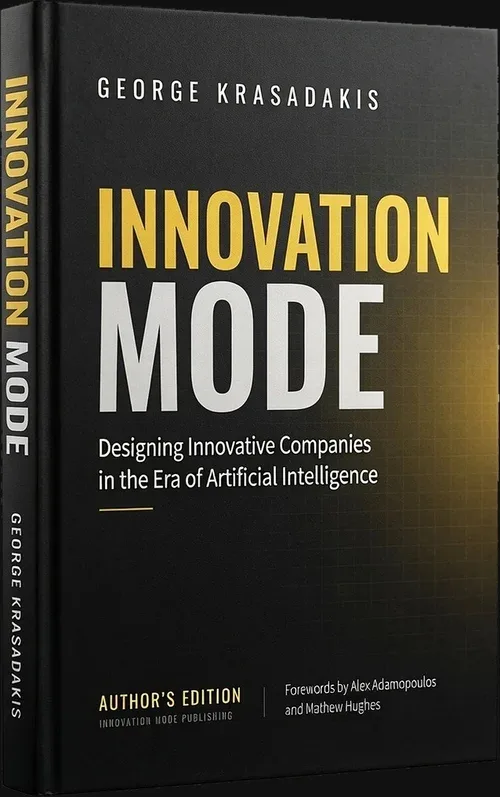
The complete makerspace methodology. Chapter 7.5 of Innovation Mode covers the four makerspace variants, the eight equipment categories, the four space requirements, and how to evolve the space into a knowledge hub with a digital presence, strong brand, and community-driven educational programme. 434 pages. Innovation Mode Publishing, 2026. By George Krasadakis.
Other ways to engage
Three other ways to use the Innovation Mode framework: read the methodology in Innovation Mode, join the free newsletter for weekly insights shared with a fast-growing community of senior innovation leaders and executives, or try Ainna.ai: the AI innovation agent built on the same methodology, in public beta.
The templates, and the worked case that shows them in use.
- Eight editable templates: five Word documents, two PowerPoint canvases and the IM-9 Excel workbook.
- The worked case: nine sample documents carrying one problem from brief to decision, with the reasoning in the margins.
- Quick Start Guide: 17 slides on the documents, the flow and daily practice.
- AI companion: Markdown versions of the templates and 20 prompts, for any AI assistant.
€249 one-time · perpetual licence for one organisation · instant download · free for students and educators
On Ainna.ai: prototyping with AI.

Field notes on this subject
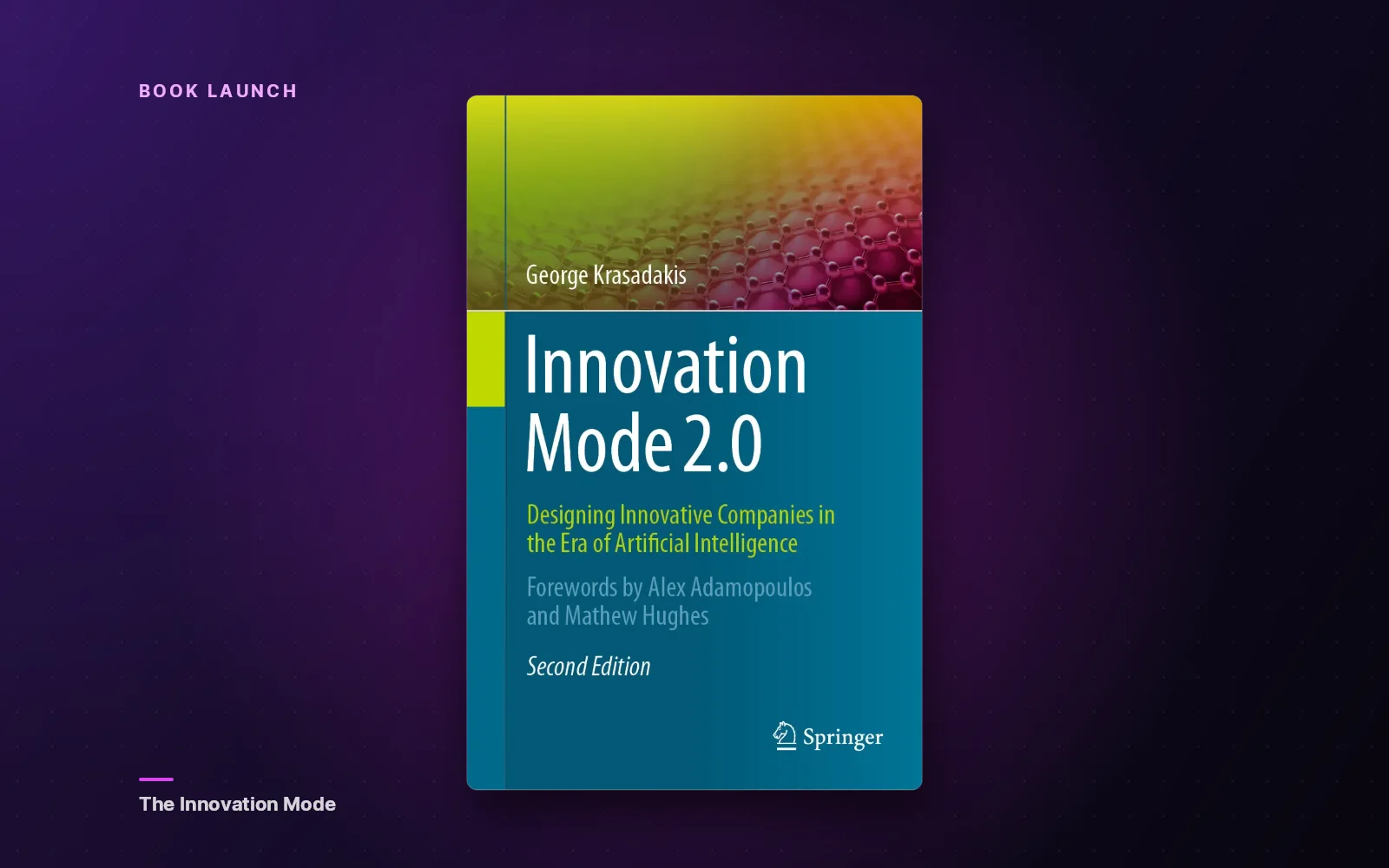
Innovation Mode 2.0: The Chief Innovation Officer's Blueprint for the Agentic AI Era
Book launch announcement: Innovation Mode 2.0 by George Krasadakis (Springer, January 2026) delivers the first comprehensive architecture for corporate innovation in the agentic AI era, where AI can generate ideas, build prototypes, and shape strategies in minutes. The book introduces a diagnostic framework of six innovation deficits, a seven-level Innovation Maturity Index, and 70+ interventions for building AI-powered innovation engines. Backed by 25 years at Microsoft, Accenture, and GSK, 20+ AI patents, and a working autonomous innovation agent (Ainna.ai), this is implementation, not theory.

2026 Technology Innovation: Trends, Opportunities, Risks.
The technologies shaping 2026 (agentic AI, humanoid robots, quantum computing, brain-computer interfaces, AI for science, and climate tech) are no longer emerging; they're converging. For innovation leaders, this demands a fundamental shift: when AI commoditizes ideation, the scarce capabilities become opportunity discovery, rapid validation, and execution speed. Innovation is no longer a competitive advantage; it's a survival trait.
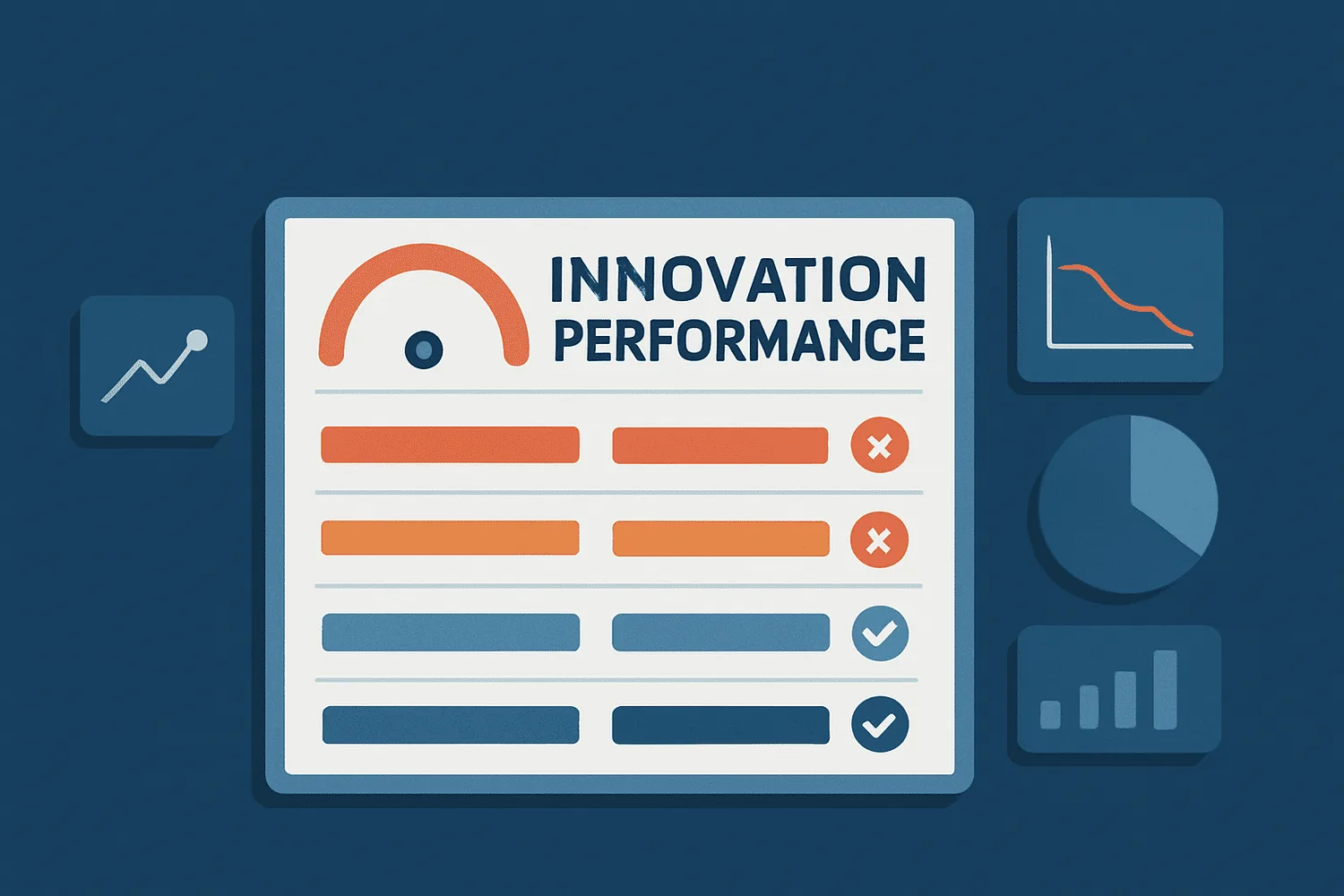
Why Corporate Innovation (very often) Fails: The Complete Picture.
Discover the six hidden deficits - from leadership to venture building - that cause corporate innovation to fail. Learn how to break through structural, cultural, and capability barriers to drive meaningful innovation.