How to Run Successful Design Sprints
What a design sprint is, the success factors and risks to manage, and how to connect sprints to business value. 25 slides from a 2021 talk.
Download the PDF
Updated September 2026 · ~10 min read
A fast-paced, 5-day ideation and prototyping workshop where a multidisciplinary team uses Design Thinking to identify, prototype, and validate solutions to a specific business problem, all within a single week.
8 editable templates · One-time payment · Perpetual licence
A Design Sprint is a fast-paced ideation and prototyping workshop driven by a carefully selected multidisciplinary team. As described in Innovation Mode, it uses Design Thinking to identify potential solutions to a specific problem and then test them rapidly through quick visualisations and clickable or functional prototypes exposed to key stakeholders for feedback. The team works together with full commitment for five days.
The output of a Design Sprint is typically a package of ideas, wireframes, diagrams, business insights, and one or more solutions enriched with feedback from key stakeholders. Depending on the feedback gathered, solutions may then advance to further exploration, business experimentation, formalisation as a product concept, or direct implementation.
As Innovation Mode emphasises, the success of a Design Sprint depends on three critical factors: the synthesis of the team, the level of their preparation, and the experience of the facilitator. Considering the sprint’s duration and cost (having a team of skilled experts committed for a full week) it is essential to make the right design choices, plan effectively, and ensure the sprint’s output is connected to the broader innovation system rather than left to die in a slide deck.
This guide covers how to run Design Sprints connected to the broader innovation framework, and how AI is making them dramatically faster and more productive. Based on Chapter 5.3 of Innovation Mode by George Krasadakis, drawing on the Design Sprint methodology developed by Jake Knapp’s team at Google Ventures.
The Design Sprint unfolds across five days of intense, focused work. Each day has a distinct objective that builds on the previous one, compressing months of debate into a single week of action.
Set the goal. Map the challenge. Identify the target area of focus. Align the team on what success looks like and what questions must be answered.
Frame the problem precisely. Individual ideation and solution sketching. Explore competing approaches from different angles.
Discuss and critique the sketched solutions. Select the strongest approach to move forward for prototyping. Commit as a team to one direction.
Build a realistic prototype: clickable wireframes, functional demos, or physical models. Focus on just enough fidelity to test the hypothesis. Use AI tools to compress build time.
Present the prototype to key stakeholders: domain experts, real customers, or end users. Interview them, capture reactions, and gather actionable feedback.
As Innovation Mode describes, the success of a Design Sprint depends on both the quality of its inputs and how the organisation handles its outputs. Connecting the sprint to the broader innovation framework (and using AI to compress build time on Day 4) can dramatically improve both.
Pre-sprint research (competition analysis, market summaries, and trend reports) saves days of work during the sprint itself. The market intelligence team can present the "market state and dynamic" at the kick-off, giving participants expert-level context from day one rather than spending Day 1 on research.
AI tools like Claude can convert concepts described in natural language into functional prototypes in minutes. The hybrid approach works best: maintain the low-tech, focused character of the sprint’s early days, then use AI on Day 4 to convert sketched solutions into interactive experiences faster than traditional development allows.
As described in Innovation Mode, an AI-powered Workshop Designer can automate sprint setup, generating the content package, timelines, communication templates, and a dedicated event page in the Innovation Portal. It also assists in forming the "dream team" by recommending participants based on skills, innovation track record, and domain relevance.
When solutions target hardware, IoT devices, or physical products, a Makerspace provides equipment (3D printing, VR/AR, sensors) along with preset development environments to accelerate prototyping beyond software alone.
Design Sprints produce many ideas that are never fully evaluated due to time constraints. Instead of archiving non-selected ideas, the team feeds them into the Innovation Graph, making them discoverable by other teams, in different contexts, at any future time. The same approach applies to brainstorming workshop outputs.
Track the sprint’s selected solution as it advances through business experimentation and product concept definition. Use post-sprint assessment surveys for immediate facilitator feedback. As described in Innovation Mode, an innovation performance measurement framework connects sprint outputs to long-term innovation metrics, turning a single sprint into a data point in a system, not an isolated event.
Four hypothetical scenarios that illustrate how the 5-day Design Sprint structure compresses what would otherwise take months of product discovery into a single week: across different industries, problem types, and team compositions.
Hypothetical Design Sprint scenarios written to illustrate how the 5-day structure applies across industries, not based on any specific company or engagement.
Notice how every sprint follows the same 5-day rhythm but produces radically different artifacts, from clickable wireframes to functional AI assistants. As Innovation Mode describes, AI is shifting what’s possible on Day 4: teams can now build prototypes that provide real interaction data during validation, not just reactions to mockups. The non-selected ideas from each sprint enter the Innovation Graph, remaining discoverable for future initiatives.
While the Design Sprint follows its own 5-day structure, several templates from the Innovation Toolkit plug directly into its workflow, providing consistent formats for the sprint’s key artifacts so the sprint output isn’t trapped in a one-off slide deck.
Frame the sprint’s target challenge using the Problem Statement Template, shared as pre-read and refined on Day 1 to ensure the team is solving the right problem before any sketching begins.
Capture the sprint’s solution concepts using the Business Idea Template, feeding all ideas (not just the winner) into the evaluation pipeline and the Innovation Graph.
Formalise the sprint’s validated solution as a Product Concept, the bridge between sprint output and a development-ready brief that engineering and design can build from.
Common questions on running Design Sprints in corporate innovation, drawn from practitioner experience and the methodology in Innovation Mode, Chapter 5.3.
The Innovation Toolkit’s 8 editable templates plug directly into your sprint workflow, from problem framing to idea capture to product concept definition.
The Design Sprint is one method among several for moving from problem to validated solution. Brainstorming workshops generate options, hackathons surface unexpected ideas, design sprints deliver a tested prototype in a week.
The Innovation Toolkit includes eight editable templates that plug directly into Design Sprints: problem framing, idea capture, evaluation, business experiment design, product concept definition, and brainstorming workshop setup.
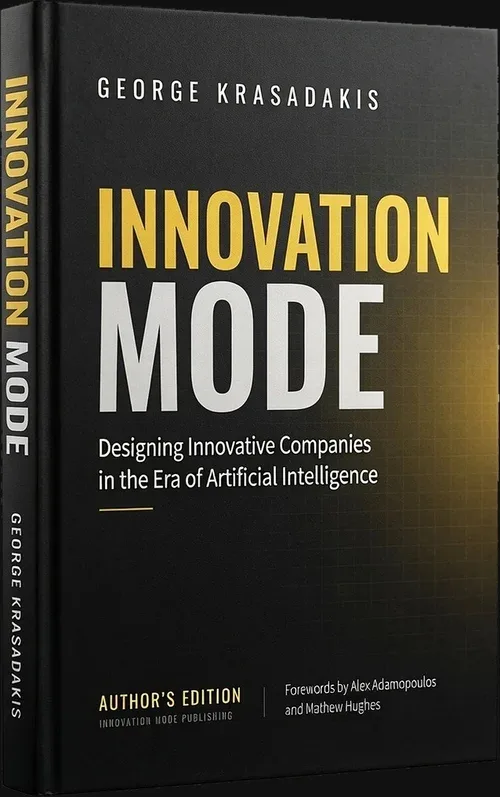
The complete Design Sprint methodology. Chapter 5.3 of Innovation Mode covers how to connect Design Sprints to the broader innovation framework, from market intelligence as input, to AI-powered rapid prototyping, to feeding non-selected ideas into the Innovation Graph. The book also covers brainstorming workshops and corporate hackathons. 434 pages. Innovation Mode Publishing, 2026. By George Krasadakis.
Other ways to engage
Three other ways to use the Innovation Mode framework: read the methodology in Innovation Mode, join the free newsletter for weekly insights shared with a fast-growing community of senior innovation leaders and executives, or try Ainna.ai: the AI innovation agent built on the same methodology, in public beta.
€249 one-time · perpetual licence for one organisation · instant download · free for students and educators
On Ainna.ai: AI in design sprints.

What a design sprint is, the success factors and risks to manage, and how to connect sprints to business value. 25 slides from a 2021 talk.
Download the PDF
Most hackathon idea lists are useless - "build a chatbot" helps no one. These 50+ themes are framed around real business problems, organized by innovation type, and designed to attract diverse teams - not just developers. Plus: how AI has made hackathons more inclusive than ever.

AI can generate ideas in seconds - so are corporate hackathons still relevant? More than ever. But the old annual model is broken. Here's why innovation leaders should run hackathons more frequently, how AI tools make them radically more inclusive, and what it takes to turn hackathon concepts into real products.
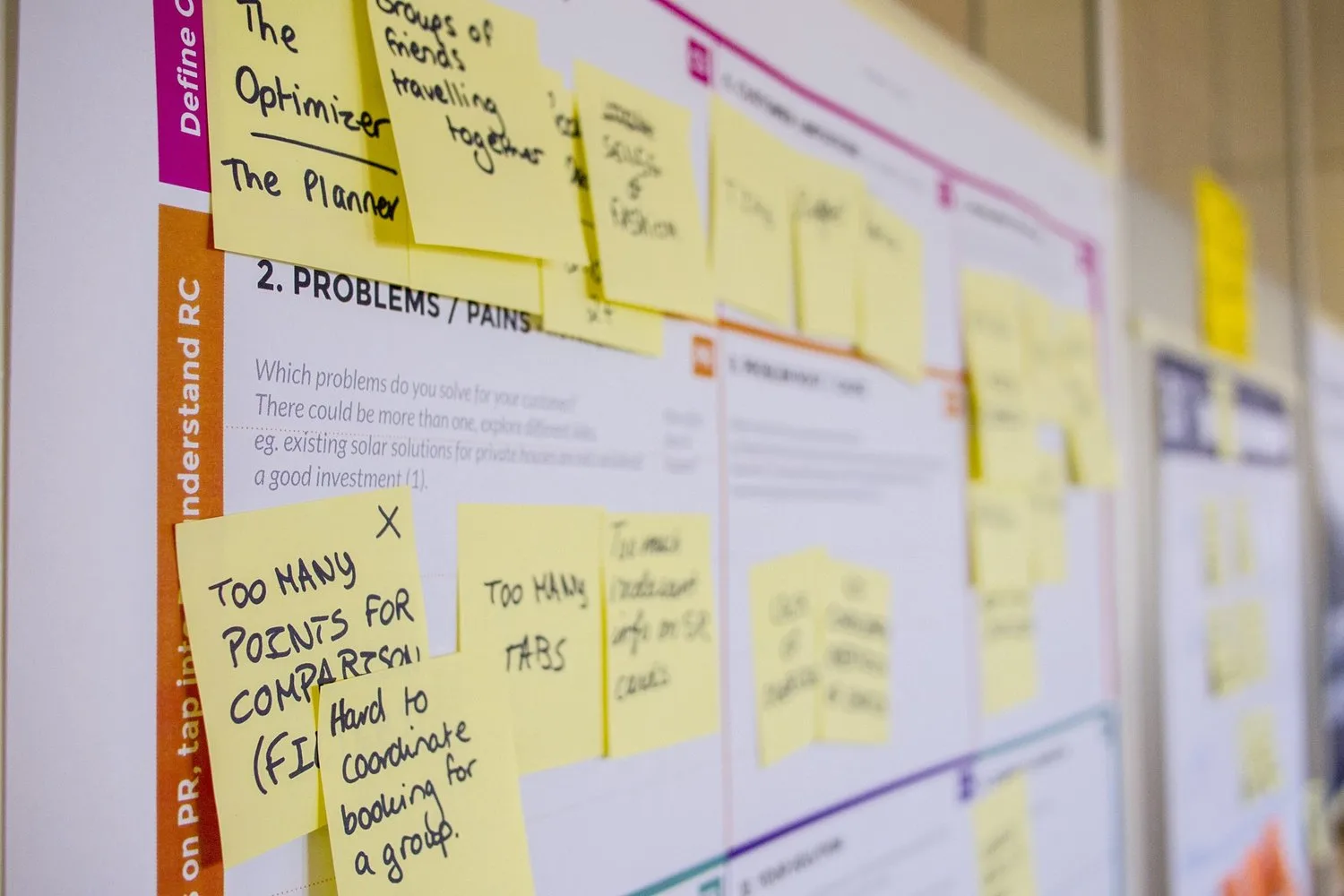
Design Sprints can generate remarkable output for your company, such as a backlog of impactful ideas (also with IP opportunities), functional prototypes, learnings, and key insights from customers along with real business opportunities. At the same time, they can lead to significant cultural improvements towards the ‘innovation mode’. But …